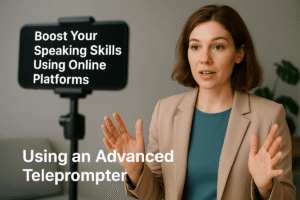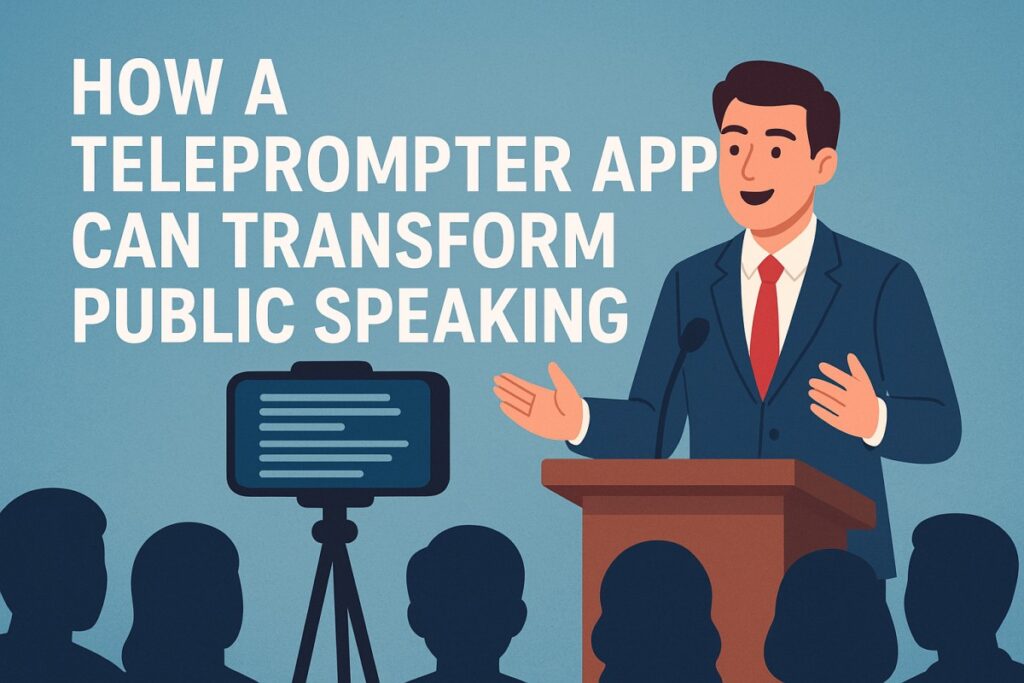
Public speaking is one of the most powerful ways to communicate ideas, persuade an audience, or share knowledge. Yet, it remains a challenge for many people. Anxiety, forgetting key points, and losing track of a speech can affect the quality of a presentation. A teleprompter app is a practical solution that helps speakers stay organized, confident, and professional.
A teleprompter application provides a digital script that scrolls on a screen, allowing speakers to maintain eye contact and speak naturally. Unlike traditional cue cards or paper scripts, these apps keep your delivery smooth and polished. Today, options range from free teleprompter apps for beginners to advanced teleprompter apps for professional use. Even desktop users can access a teleprompter app for Windows, which integrates seamlessly with cameras, projectors, and recording setups.
What Is a Teleprompter App?
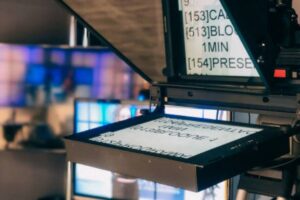
A teleprompter app is a software tool that displays a scrolling script on a screen for a speaker to read while presenting. The app ensures that your eyes remain aligned with your audience or camera instead of constantly looking down at notes.
Modern teleprompter applications offer a range of features, from simple scrolling text to voice-controlled auto-scrolling. They can be installed on smartphones, tablets, or desktop computers, making them accessible for both casual and professional speakers.
Free teleprompter apps are widely available and ideal for those who want to practice public speaking without investing in expensive equipment. On the other hand, advanced teleprompter apps offer customization, remote control, and integration options for professional settings, such as conferences, online courses, or video production.
Why Use a Teleprompter App for Public Speaking
Using a teleprompter app offers numerous benefits for anyone looking to improve their public speaking skills. Here are some of the key advantages:
1. Builds Confidence
One of the biggest challenges in public speaking is fear of forgetting your lines. A teleprompter application removes this worry, providing your script directly on-screen. This allows you to focus on your tone, gestures, and audience engagement instead of memorization.
2. Maintains Eye Contact
Eye contact is essential for effective communication. A teleprompter app for Windows or mobile device keeps your eyes directed toward the audience or camera. This creates a natural connection and helps you deliver your message more effectively.
3. Improves Flow and Timing
A well-paced speech feels natural and engaging. Teleprompter applications allow you to adjust the scrolling speed to match your speaking style. Whether you are using a free teleprompter app or an advanced teleprompter app, you can maintain a smooth flow and avoid awkward pauses.
4. Reduces Preparation Time
Memorizing lengthy scripts can be time-consuming and stressful. With a teleprompter app, you can focus on rehearsing your delivery, tone, and body language rather than trying to remember every word.
5. Enhances Professionalism
For video recordings, webinars, or live events, a teleprompter app ensures consistent and professional delivery. Advanced apps offer features such as mirrored text for traditional teleprompters, voice-activated scrolling, and remote control for effortless management during presentations.
Might you have missed: Boost Your Speaking Skills Using Teleprompter
Choosing the Right Teleprompter Application
Selecting the right teleprompter application depends on your needs, skill level, and the type of presentations you deliver.
-
Free Teleprompter Apps: Ideal for beginners or casual users. They offer basic scrolling text and speed adjustment, allowing you to practice speeches or online presentations without investing in premium tools.
-
Advanced Teleprompter Apps: Designed for professional speakers, educators, or video creators. Features may include voice tracking, mirror mode, remote control, and customizable fonts. These apps ensure a polished delivery in any setting.
-
Teleprompter App for Windows: Best suited for desktop setups, conferences, and video recording environments. Desktop apps often provide larger screens, better integration with cameras, and more control over script management.
How to Use a Teleprompter App Effectively
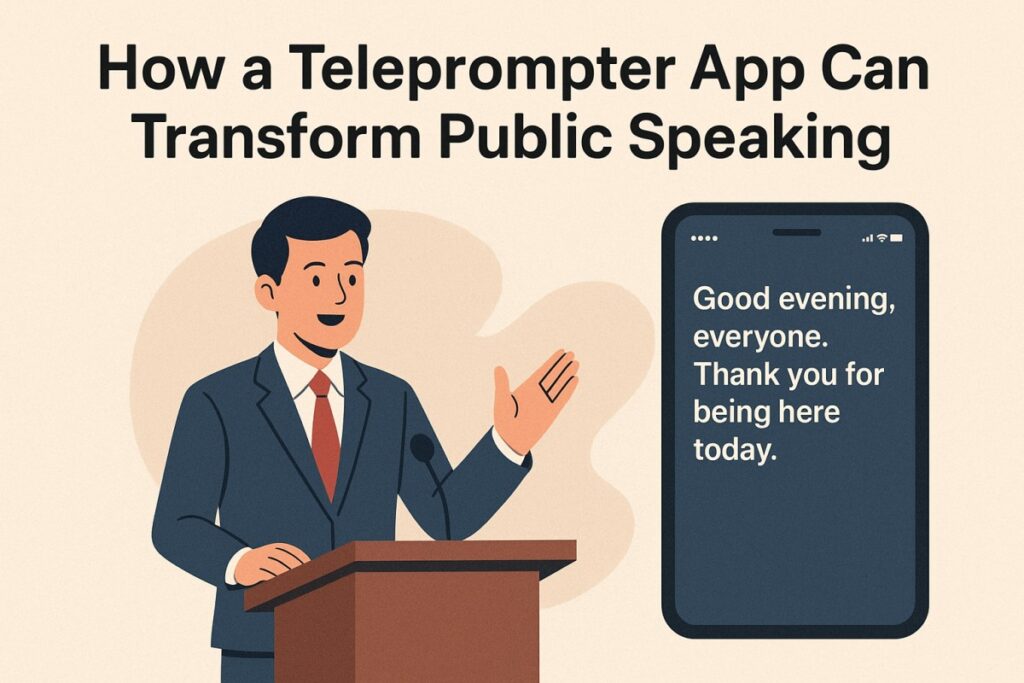
To make the most of a teleprompter application, follow these steps:
-
Prepare Your Script Carefully
Write a clear, concise, and conversational script. Short sentences and simple language make reading from a teleprompter natural. -
Adjust Scrolling Speed
Set the scrolling speed to match your natural speaking pace. Practice multiple times to ensure that the script moves neither too fast nor too slow. -
Practice With the App
Rehearse using the teleprompter app to get comfortable with the scrolling text. This helps in reducing pauses and maintaining rhythm during the actual presentation. -
Engage With the Audience
Use gestures, facial expressions, and vocal emphasis naturally. A teleprompter app allows you to focus on delivery while keeping your script in view. -
Review and Refine
Record your practice sessions and review them. Analyze areas for improvement, including tone, pace, and body language, to ensure a polished presentation.
Benefits Across Different Settings
Public Speaking Events
A teleprompter app enhances confidence and ensures smooth delivery during conferences, seminars, or corporate events. Speakers can maintain eye contact while following their prepared scripts.
Online Presentations and Webinars
In the digital world, online presentations require clarity and professionalism. A teleprompter app helps maintain engagement and prevents awkward pauses or forgotten points.
Video Content Creation
For content creators and educators, a teleprompter application makes recordings more professional. It reduces the need for multiple takes and helps maintain consistency in speech delivery.
Educational Use
Teachers and trainers can use teleprompter apps to deliver lectures more confidently. With features like speed adjustment and script import, educators can focus on interaction rather than memorization.
The Future of Teleprompter Apps
The technology behind teleprompter applications continues to evolve. Emerging features include AI-powered voice tracking, multi-language support, and cloud-based script management. These developments make public speaking more accessible and professional across all platforms.
A teleprompter app is no longer a luxury but an essential tool for anyone looking to improve communication skills. With both free and advanced options available, it has become an indispensable aid for speakers, educators, and content creators.
Conclusion
A teleprompter application offers practical support for public speaking, helping speakers maintain confidence, improve delivery, and connect with their audience. From free teleprompter apps for beginners to advanced teleprompter apps for professionals, there is a solution for every level of experience.
Desktop users can benefit from a teleprompter app for Windows, while mobile apps provide flexibility for on-the-go presentations. By integrating a teleprompter into your practice and delivery, you can enhance your speaking skills, reduce stress, and make every presentation more impactful.
Investing time in using a teleprompter app ensures that your message is delivered clearly, confidently, and professionally, making it an indispensable tool for anyone who speaks publicly.
People Also Ask
Q1. How does a teleprompter app improve public speaking?
It helps speakers stay on track, maintain eye contact, and deliver speeches with confidence.
Q2. Are there free teleprompter apps?
Yes, many free options exist for both mobile and desktop platforms, ideal for beginners.
Q3. What is an advanced teleprompter app?
Advanced apps include features like voice-controlled scrolling, mirror mode, remote operation, and customizable text display for professional use.
Q4. Can a teleprompter app be used on Windows?
Yes, teleprompter apps for Windows are designed for desktop use, supporting larger screens and professional presentation setups.
Q5. Is a teleprompter app suitable for beginners?
Absolutely. Beginners can start with a free app to practice their delivery and gradually transition to advanced applications.