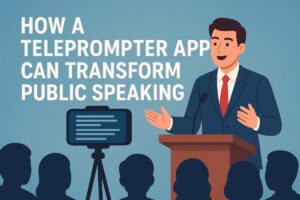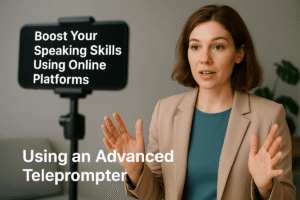
In today’s world of content creation, live presentations, and video communication, one skill remains essential: the ability to speak clearly and confidently while delivering your message. For many people, remembering lines, maintaining eye contact, and speaking smoothly can be a daunting task. That’s where teleprompters come in. Once reserved for TV studios and professional broadcasters, teleprompters are now widely accessible, especially in the form of modern teleprompter online tools. These online solutions are changing the way speakers, educators, and content creators approach script reading.
What is a Teleprompter?
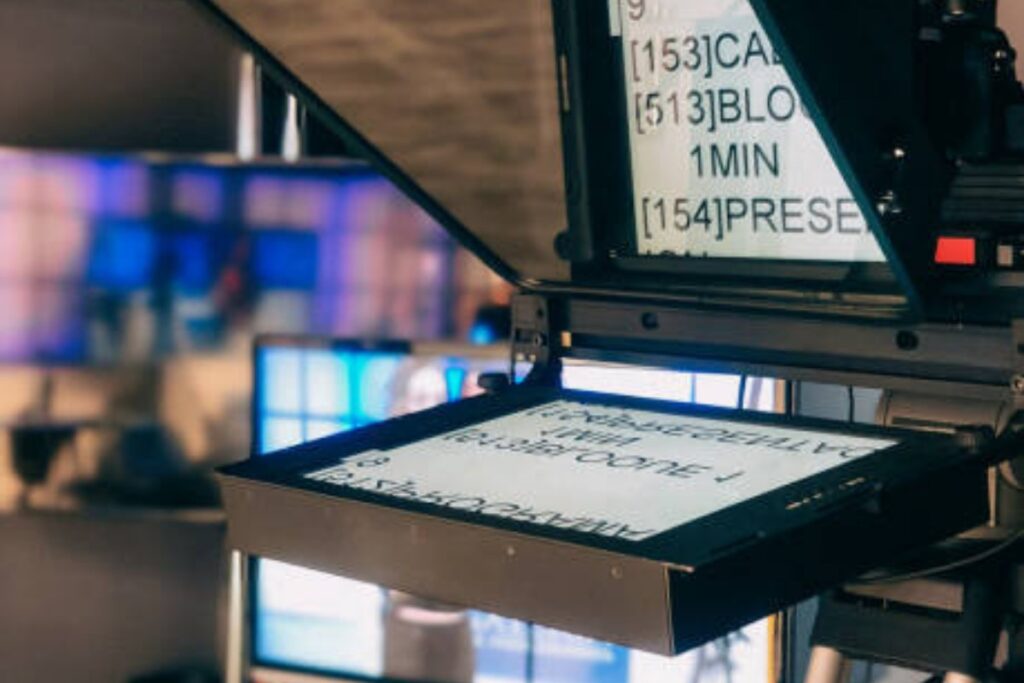
A teleprompter, sometimes called a confidence monitor or teleprompter glass, is a device or software that displays your script in front of you while keeping your eyes focused on the audience or camera. Traditionally, teleprompters were physical setups, requiring glass panels, mirrors, and professional hardware. While effective, these setups were expensive and not easily portable.
Thanks to the rise of Advanced teleprompter online platforms, anyone with a computer, tablet, or even a smartphone can access the benefits of this technology. These tools display scripts in a scrollable format, letting speakers read naturally without breaking eye contact or stumbling over lines.
Why Online Teleprompters Are Gaining Popularity
There are several reasons why more people are switching from traditional teleprompters to teleprompter online solutions. First and foremost is accessibility. You no longer need to invest in heavy, costly equipment. Many online tools are free or available at a low cost, allowing beginners, educators, and small content creators to achieve professional results.
Secondly, online teleprompters are extremely flexible. Whether you’re recording a YouTube video, hosting a webinar, or presenting in a virtual meeting, you can use a modern teleprompter from any location. There’s no need to carry bulky glass panels or set up complex equipment. All you need is a laptop or tablet, and your script is ready to scroll.
The Advantages of Using a Teleprompter Online
Using an online teleprompter has several benefits that go beyond simply reading a script. Here are some of the main advantages:
1. Confidence While Speaking
For many people, reading from notes or memorizing scripts can be nerve-wracking. A confidence monitor allows you to maintain your flow, reducing anxiety and helping you appear composed. This is especially useful during live recordings, webinars, or speeches, where mistakes can be more noticeable.
2. Smooth Script Delivery
With a modern teleprompter online, the script scrolls at a controlled pace. You can adjust the speed to match your speaking style, ensuring that you sound natural and engaging. This feature is particularly helpful for content creators who need to maintain energy while speaking on camera.
3. Enhanced Professionalism
Whether you are recording educational content, corporate presentations, or social media videos, appearing polished makes a big difference. A teleprompter allows you to deliver your message smoothly, without constant pauses or awkward glances at notes. This level of professionalism is often the difference between casual content and videos that capture audience attention.
4. Free Access and Customization
Many online teleprompters are free to use, which is perfect for beginners or those testing different tools. Even free versions often include customizable features like adjustable font sizes, colors, and scrolling speeds. Some platforms also support mirror mode, making them compatible with traditional teleprompter glass setups.
5. Cross-Platform Compatibility
Modern tools are designed to work on multiple devices. You can use a teleprompter online on Windows, Mac, or even tablets. This makes it simple to switch devices depending on the situation, whether you are recording at home or presenting in a meeting room.
Advanced Features of Modern Teleprompters
The technology behind advanced teleprompter online platforms has improved significantly over the years. Today, you’ll find features that make reading scripts even easier and more intuitive:
-
Adjustable scrolling speed – Match the pace of the script to your speaking speed.
-
Customizable text display – Change font type, size, and color to suit your preferences.
-
Remote control options – Control the teleprompter without touching the device, ideal for solo recordings.
-
Dual-screen support – Perfect for interviews or scenarios where multiple screens are used.
-
Cloud storage and script sharing – Save scripts online and collaborate with team members in real-time.
-
Voice recognition support – Some platforms automatically adjust the scroll as you speak, keeping pace naturally.
These features are no longer exclusive to professional studios. They are available to anyone using an online teleprompter, allowing small creators to produce high-quality content with minimal effort.
Teleprompter for Windows: A Perfect Fit for Creators
Many content creators prefer teleprompter for Windows because it integrates easily with recording and streaming software. Windows-based teleprompters are compatible with popular tools like OBS Studio, Zoom, and Microsoft Teams, allowing seamless workflow for presentations, live streams, and recorded videos.
If you are a Windows user, you can access both free and advanced teleprompter software that includes features like adjustable scrolling, mirrored text, and customizable backgrounds. This ensures a professional setup without the need for expensive hardware.
How Teleprompters Help in Different Scenarios
Video Content Creation
For YouTubers, online course creators, and social media influencers, a teleprompter ensures that videos are engaging and well-paced. You can focus on expression and tone, without worrying about forgetting lines.
Public Speaking and Presentations
Speakers delivering keynote addresses, lectures, or training sessions benefit greatly from a teleprompter. It allows them to maintain eye contact with the audience, convey messages clearly, and appear confident.
News Anchoring and Live Broadcasting
Even in professional broadcasting, online teleprompters provide flexibility. Anchors can adjust scripts on the fly and maintain a smooth delivery, making it easier to respond to breaking news or live updates.
Education and Online Learning
Teachers and online educators can use teleprompters to ensure lessons are delivered clearly. With adjustable scrolling speeds and large, readable fonts, students can enjoy well-paced lessons without the educator losing flow.
Tips for Using a Teleprompter Effectively
-
Practice before recording – Familiarity with the script and teleprompter settings reduces errors.
-
Keep the font large and readable – Avoid squinting or straining your eyes.
-
Adjust speed gradually – Start slow and increase as you become comfortable.
-
Use natural pauses – Don’t read mechanically; incorporate natural speech rhythm.
-
Position the teleprompter at eye level – This ensures better engagement and makes your delivery more natural.
Final Thoughts
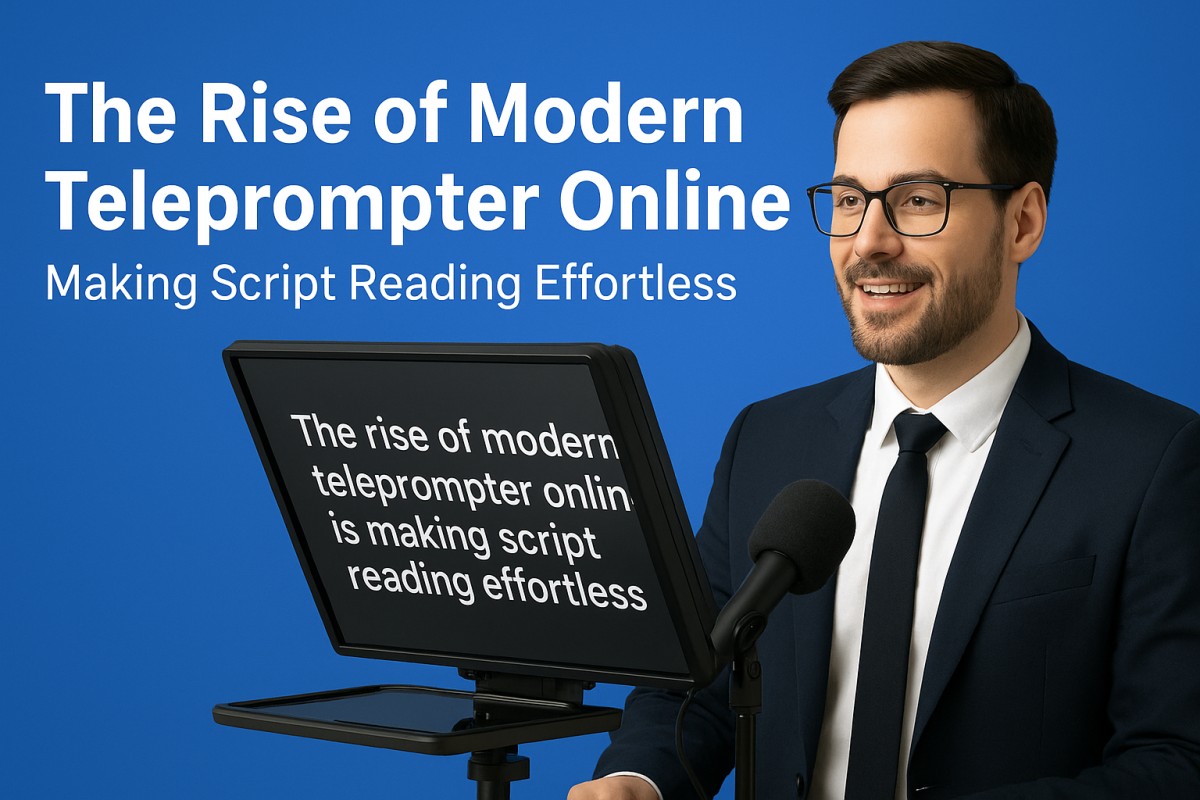
The rise of modern teleprompter online tools has made script reading effortless for content creators, educators, and professionals. From free options to advanced platforms, these tools help users deliver confident, polished, and engaging presentations.
Whether you are recording a video, giving a speech, or streaming live, using a teleprompter—whether on Windows or online—ensures that your message comes across clearly and professionally. With features like adjustable scrolling, remote control, and mirror mode, even beginners can achieve results that once required professional studios.
In an era where communication is key, online teleprompters have become indispensable. By embracing this technology, you can focus on what truly matters: connecting with your audience and delivering your message with clarity, confidence, and ease.
FAQs: Modern Teleprompter Online
1. What is a teleprompter online?
A teleprompter online is a software tool that displays your script on a screen, allowing you to read it while maintaining eye contact with your audience. Unlike traditional teleprompters, it doesn’t require bulky hardware and can be accessed on a computer, tablet, or smartphone.
2. How does a confidence monitor differ from a teleprompter glass?
A confidence monitor is usually a screen placed in front of a speaker to display notes or a script, while teleprompter glass reflects the text onto a transparent screen, allowing the speaker to look directly at the camera. Both serve the same purpose—helping you deliver your lines confidently—but the setup differs.
3. Can I use a teleprompter online for free?
Yes! Many online teleprompter tools are free to use. Free versions typically include adjustable scrolling speed, font size options, and basic customization. Advanced features, like mirrored mode or remote control, may require a paid version.
4. Is a teleprompter online suitable for Windows users?
Absolutely. Many teleprompter tools are fully compatible with Windows and integrate seamlessly with recording or streaming software like OBS Studio, Zoom, and Teams. You can use both free and advanced versions depending on your needs.
5. What makes a teleprompter online “modern”?
Modern teleprompters offer features like adjustable scrolling speed, dual-screen support, remote control, cloud-based script storage, and sometimes even voice recognition. These features make script reading effortless and more professional.
6. Can I use a teleprompter online for live streaming?
Yes. Online teleprompters are ideal for live streaming, webinars, and video conferences. They allow you to maintain eye contact with your audience while smoothly delivering your script.
7. How do I choose the best teleprompter online?
Consider ease of use, device compatibility, script customization options, and additional features like mirror mode or remote control. If you are a beginner, start with a free tool, then upgrade as your needs grow.
8. Are teleprompters only for professionals?
Not at all. Teleprompters are useful for anyone who wants to speak confidently and clearly—content creators, teachers, corporate presenters, and even students practicing speeches. Online tools make this accessible to everyone.
9. Can teleprompters help me sound more natural?
Yes. By controlling the scrolling speed and keeping your script in front of you, teleprompters help you maintain a natural rhythm and tone, reducing pauses, stumbles, and the need to memorize lines.
10. What is the difference between free and advanced teleprompters online?
Free versions usually provide the basics: script scrolling, font adjustments, and simple customization. Advanced teleprompters offer professional features like mirrored mode, dual-screen setup, remote control, cloud saving, and automated scrolling based on your speech.